Magic eP
eP Specifications
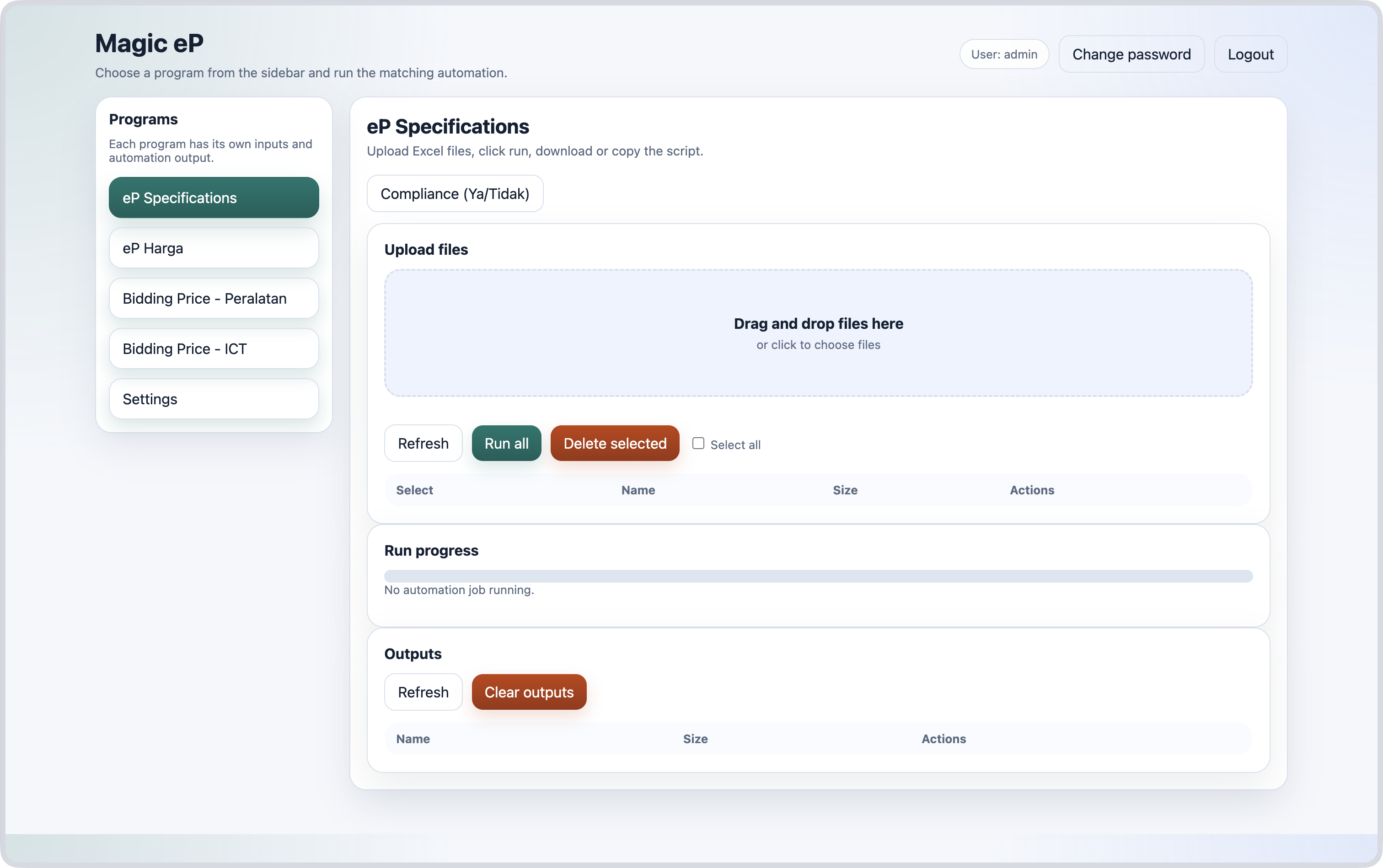
How to:
- Upload excel files containing the specifications as extracted from ePerolehan website.
- Click the
Run allbutton or run for individual excel files. - Copy the script that will automatically filled in the details and remarks.
- Click
Compliancebutton to copy the script for Ya/Tidak options.
1 - Upload file
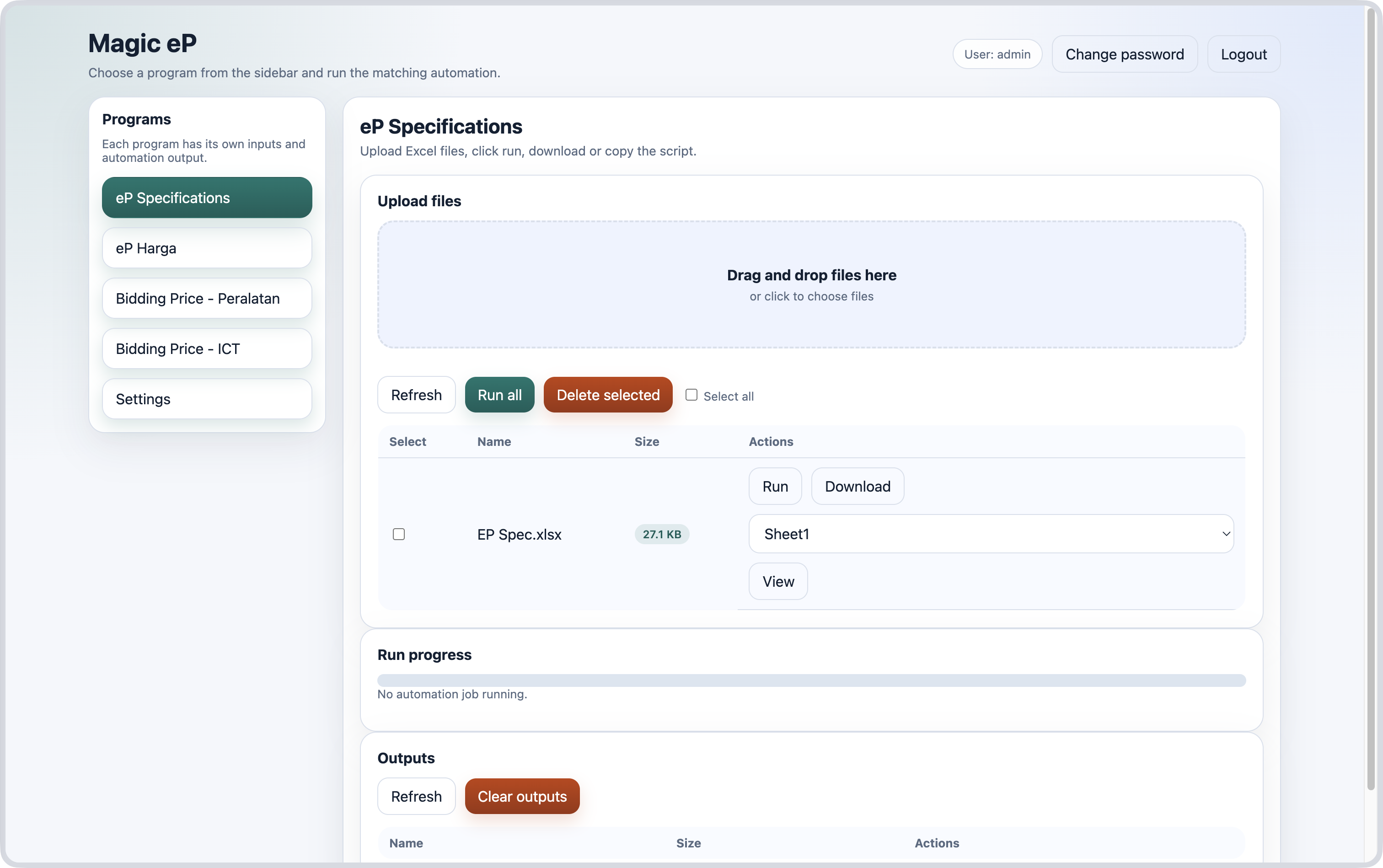
2 - Click Run
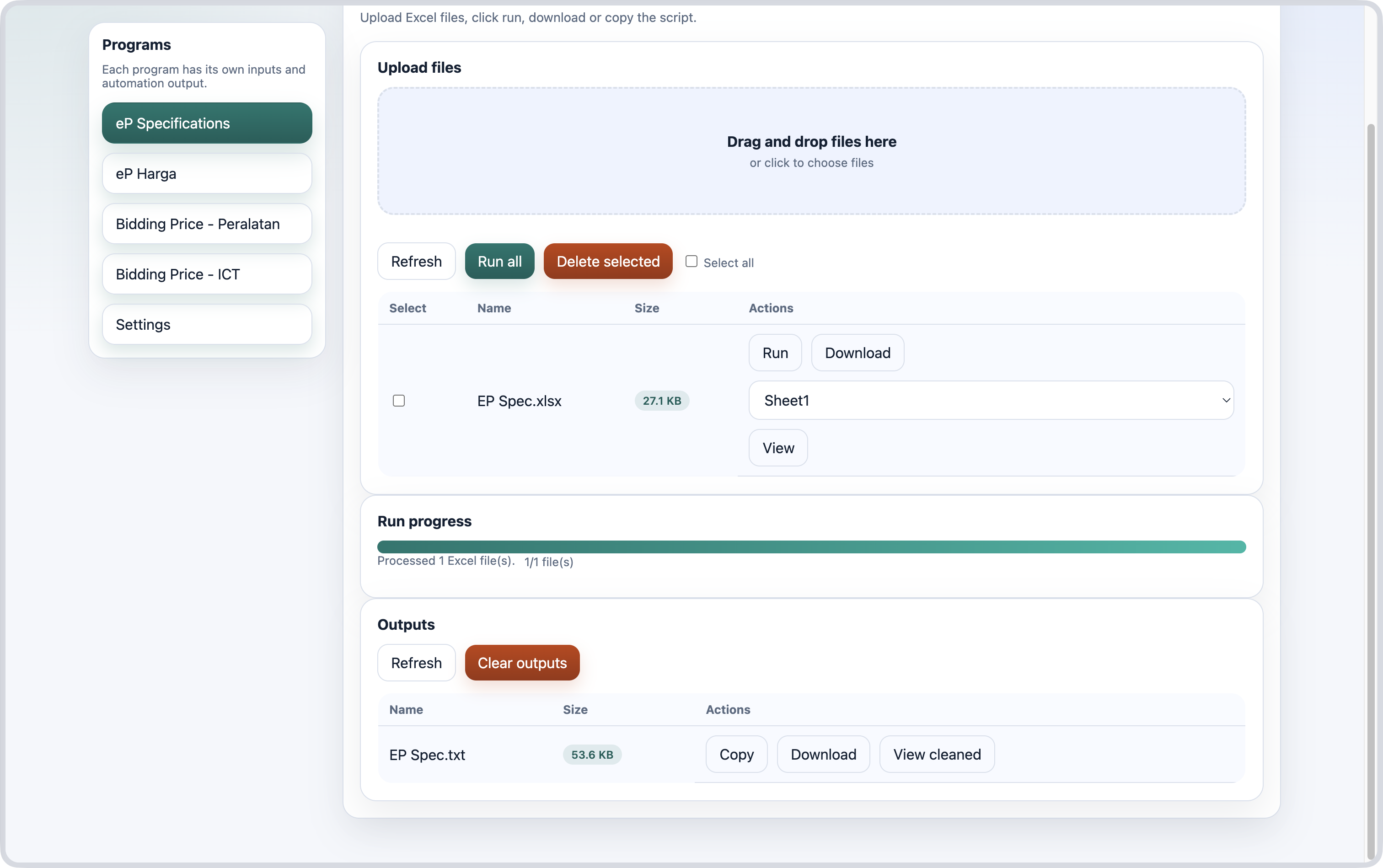
3 - Copy script
Example:
maklumbalas_arr = [`1 PPHD 1001 ROTARY HAMMER DRILL`,
`Please specify the product country origin, brand name and model number
The ROTARY HAMMER DRILL should have minimum requirement as below :
1.0 GENERAL SPECIFICATION / DESCRIPTION
1.1 The tool for hammer drilling in concrete, brick and stone. It is also suitable for wood, metal, ceramic and plastic.
1.2 Electronic control and forward/reverse rotation`,
]
catatan_arr = [``,
]
var textareas = document.querySelectorAll('textarea[id^="_scSupplierProposal_WAR_NGePportlet_:form:j_idt"]');
var id = textareas[0].id.match(/idt(\d+)/)[1];
maklumbalas_arr.forEach((data, i) => {
var txt = document.getElementById(`_scSupplierProposal_WAR_NGePportlet_:form:j_idt${id}:questionTbl:${i}:answerText`);
if (txt!=null) {
txt.value = data;
}
});
catatan_arr.forEach((data, i) => {
var remarks = document.getElementById(`_scSupplierProposal_WAR_NGePportlet_:form:j_idt${id}:questionTbl:${i}:answerRemarks`);
if (remarks!=null) {
remarks.value = data;
}
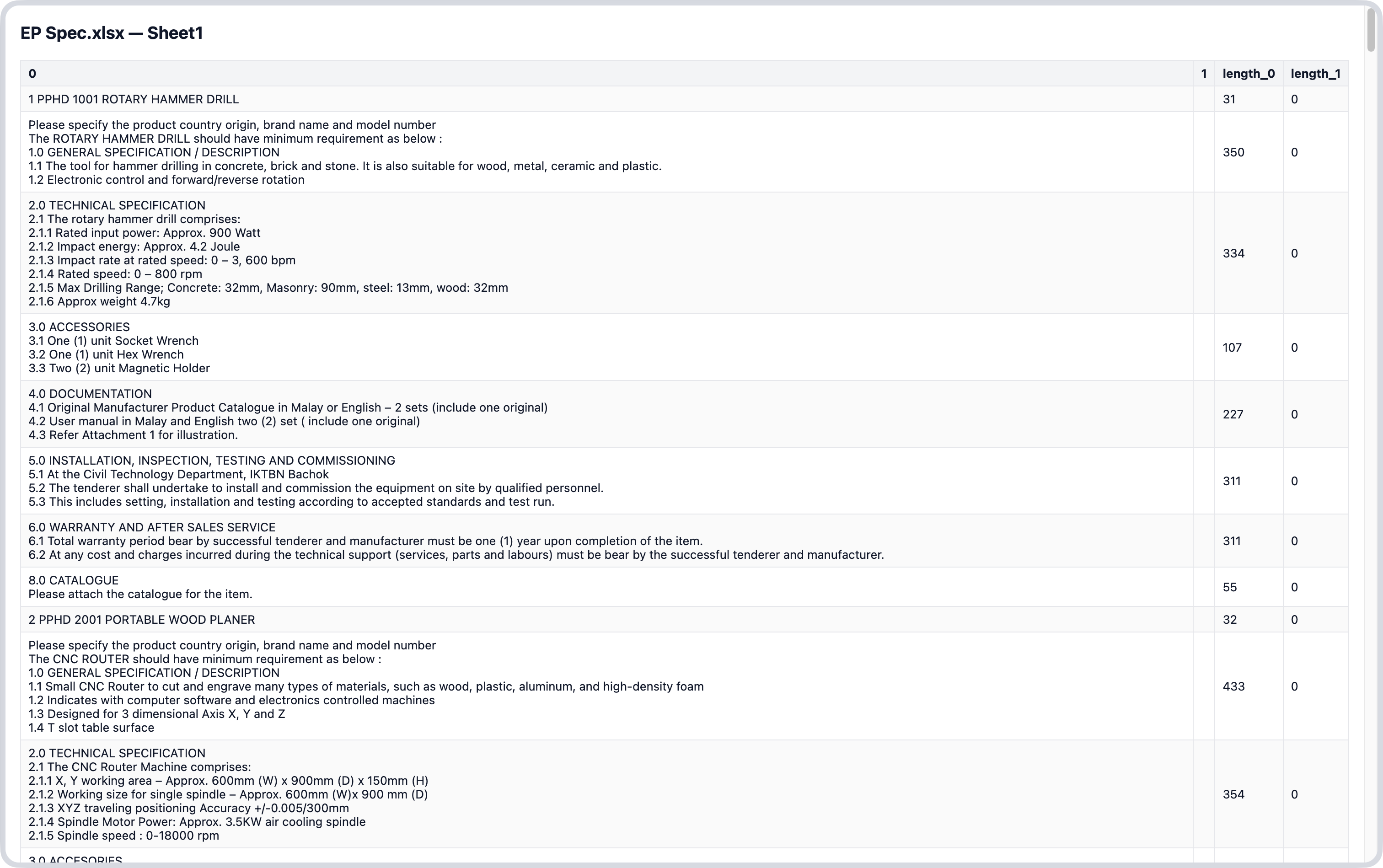
});4 - Optional Actions (Download, View cleaned)
eP Harga
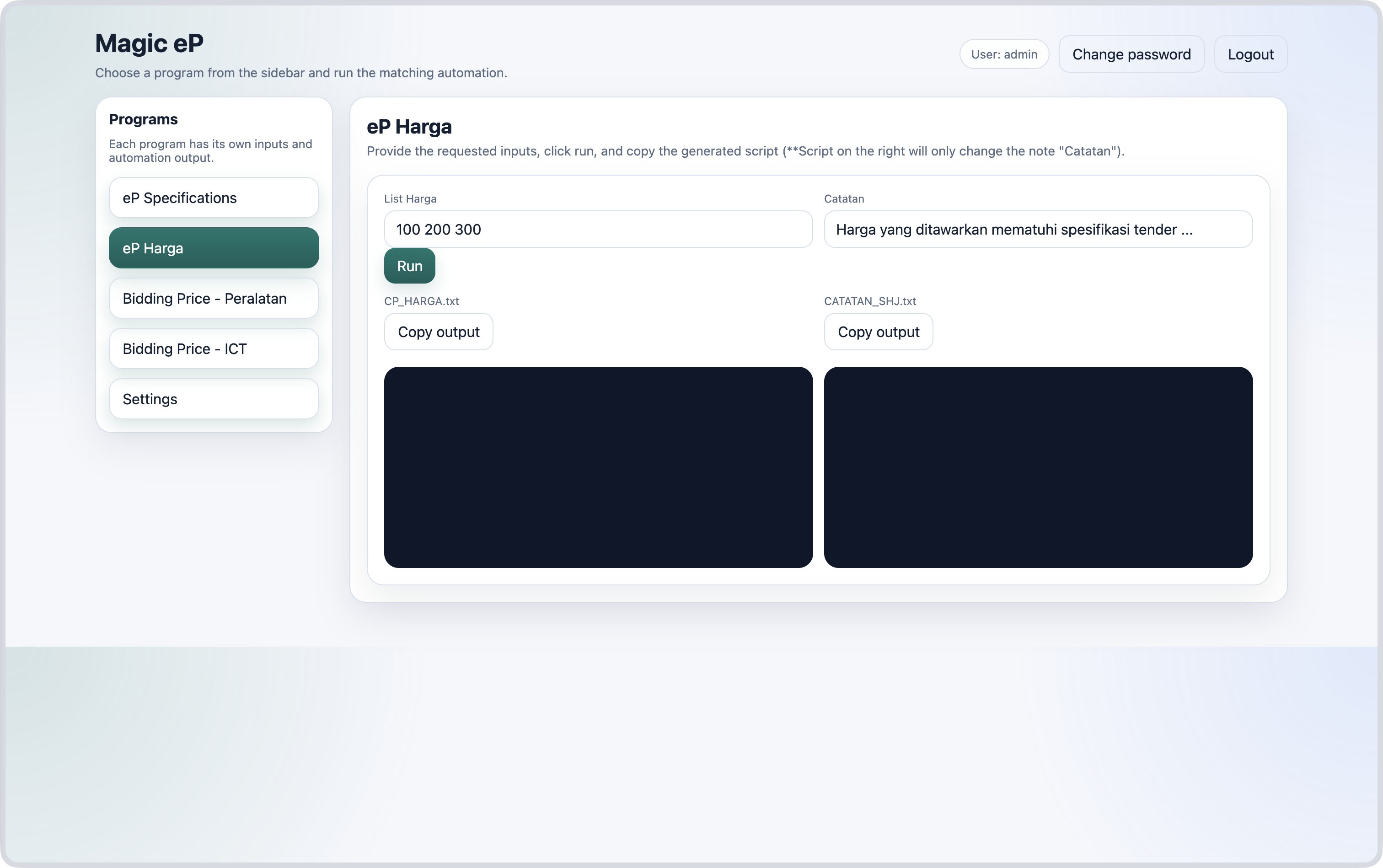
How to:
- Copy price list from excel file and paste it in
"List Harga". For example:2,250.00 7,100.00 5,397.00 - Fill in the remarks
Catatan. - Click the Run button.
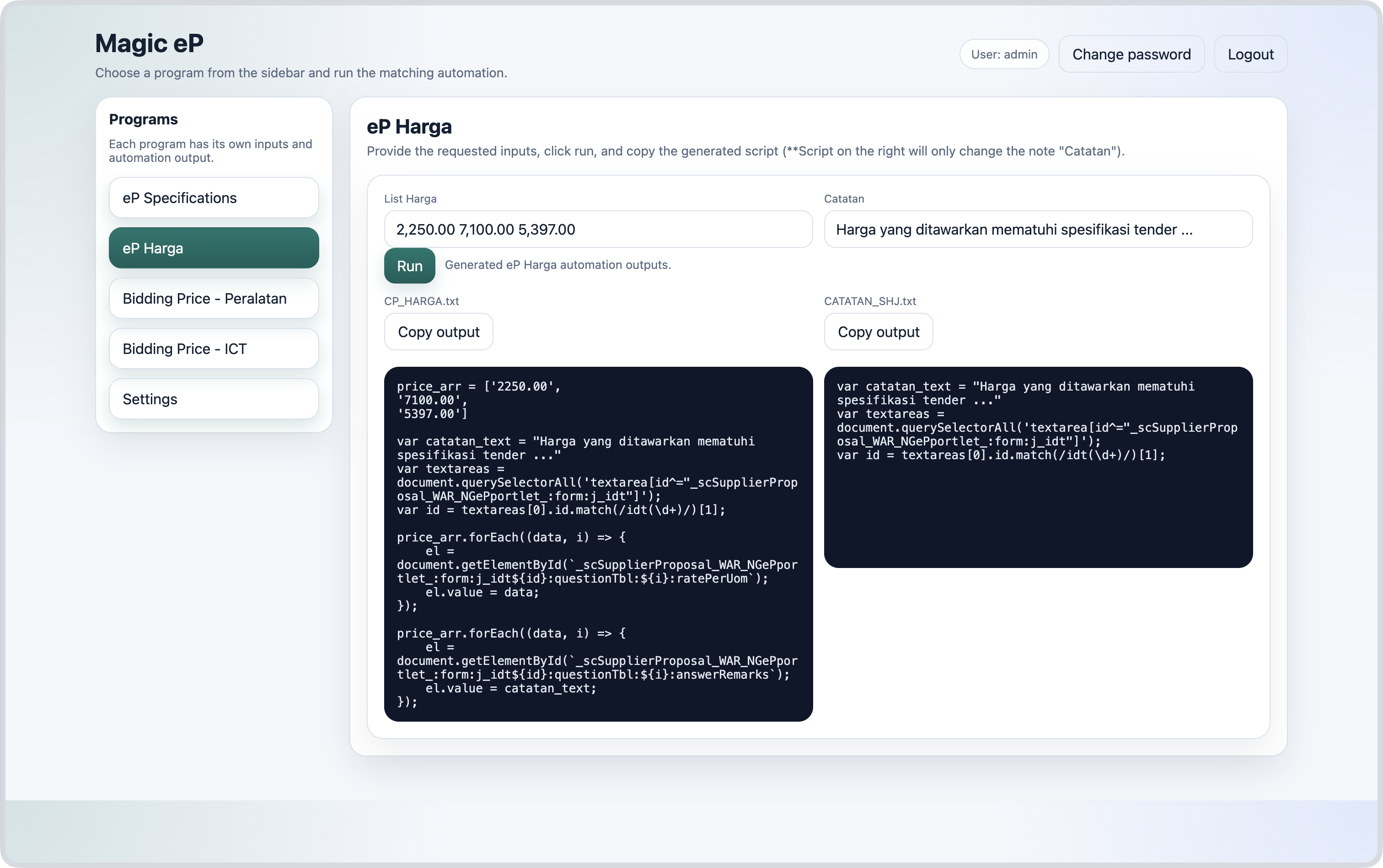
- Copy the output on the left side to automatically fill in the prices and remarks.
- (Optional) Copy the output on the right side to change only the remarks
Catatanfor other bidding companies.
Example after running the program
Bidding Price — Peralatan
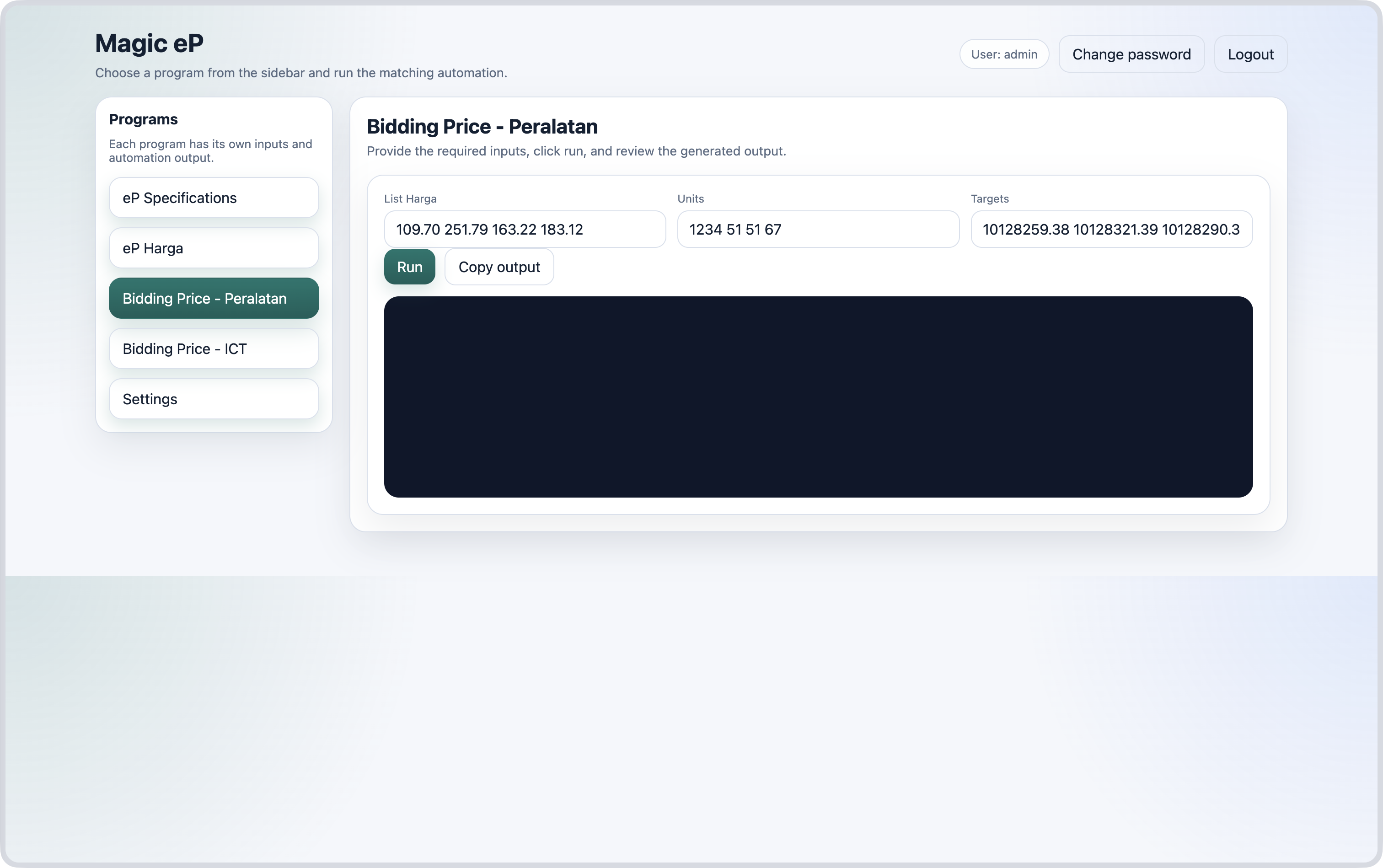
How to:
- Copy the items' prices from excel file and paste it in the field
List Harga - Copy the items' units from excel file and paste it in the field
Units - Copy the bidding companies' target prices and paste it in the field
Targets - Click the Run button.
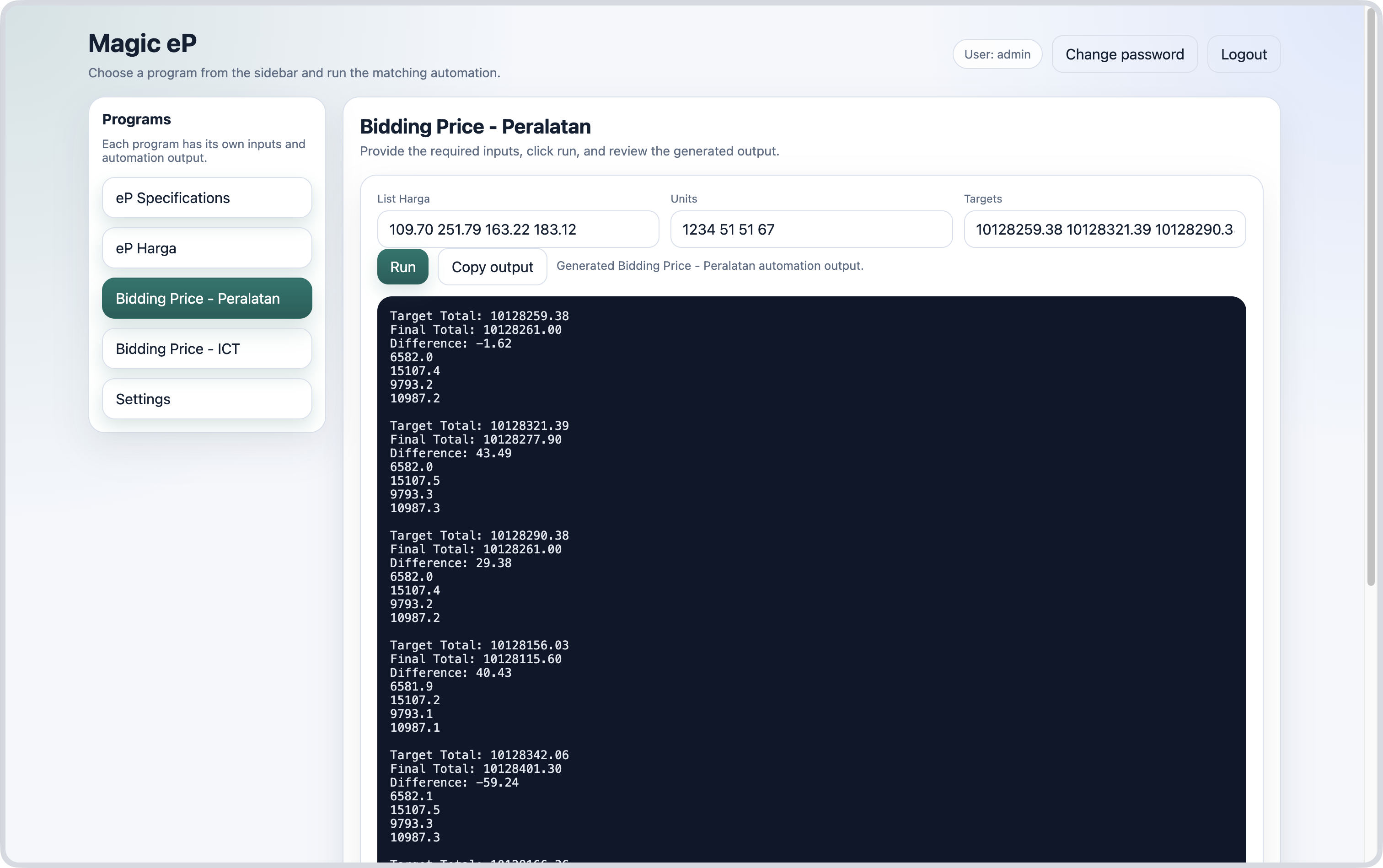
- Copy the output.
Example after running the program
Bidding Price — ICT
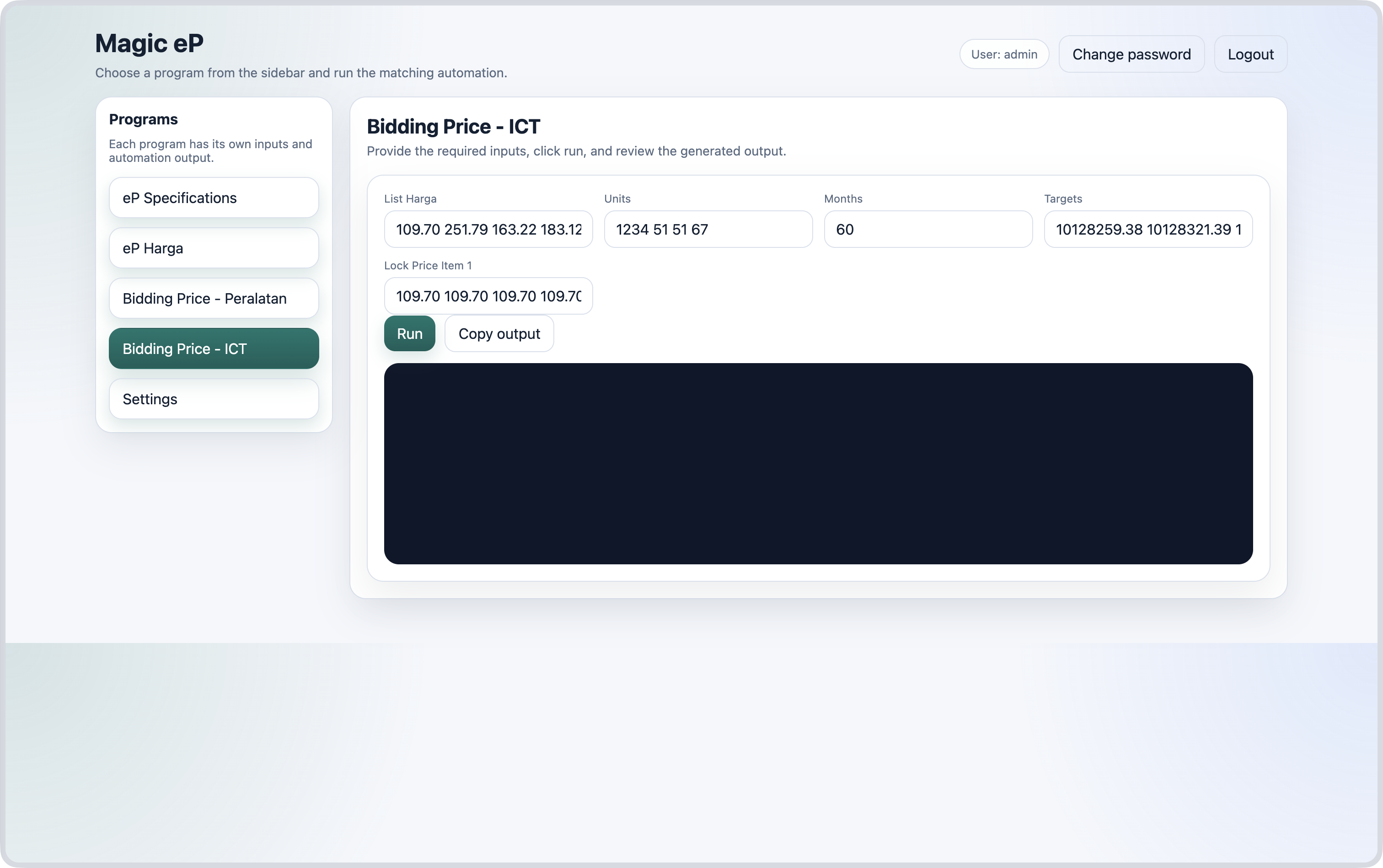
How to:
- Copy one example of items' prices from excel file and paste it in the field
List Harga - Copy the items' units from excel file and paste it in the field
Units - Copy the number of months from excel file and paste it in the field
Months - Copy the bidding companies' target prices and paste it in the field
Targets - Set the first item price for each targets in
Lock Price Item 1-
If there is only one item, this field will be ignored and the bidding price will be calculated as follows;
Price = Target ÷ (Units × Months)
-
- Click the Run button.
- Copy the output.
Case 1 — Predict prices for multiple items
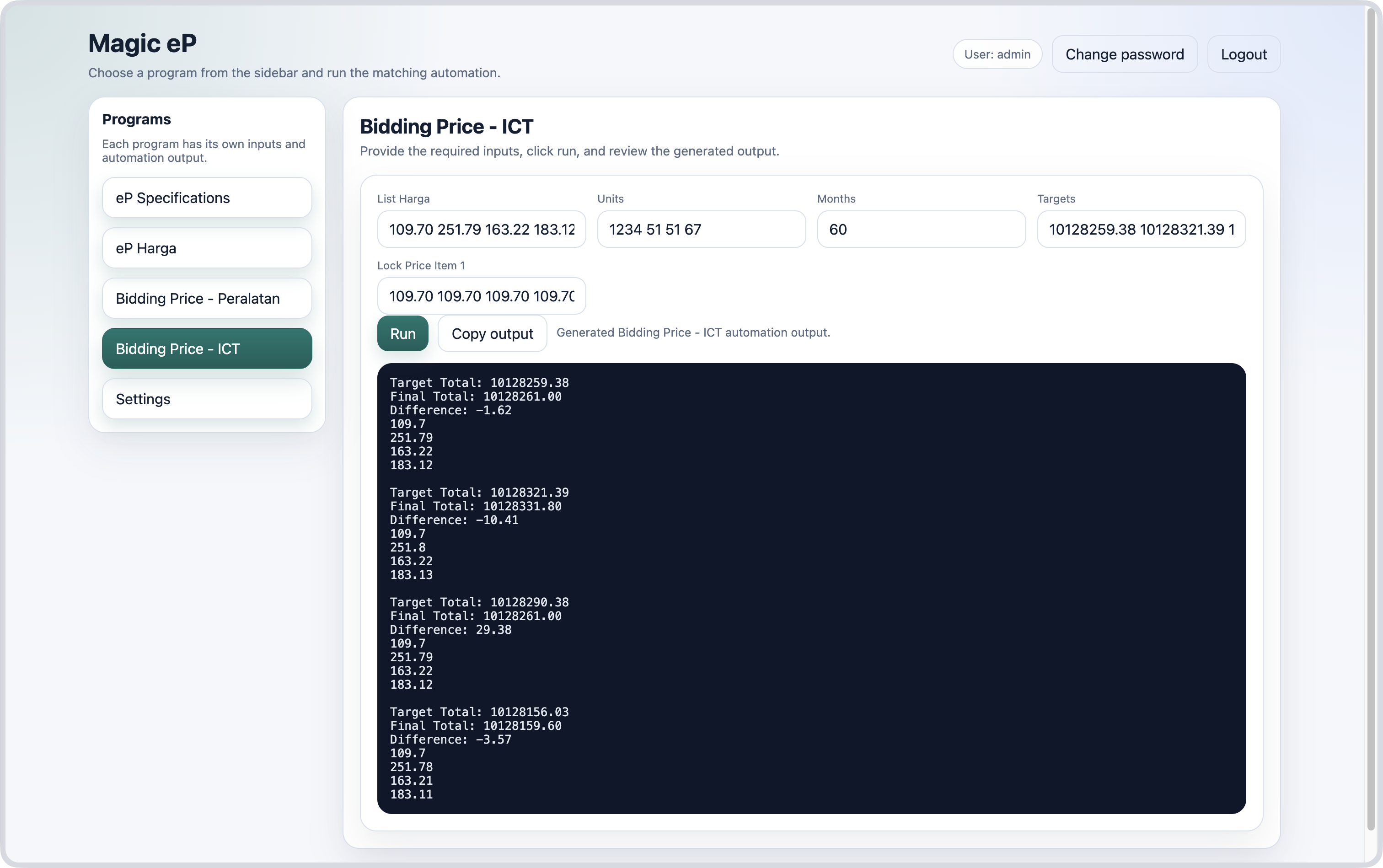
Case 2 — Predict price for one item