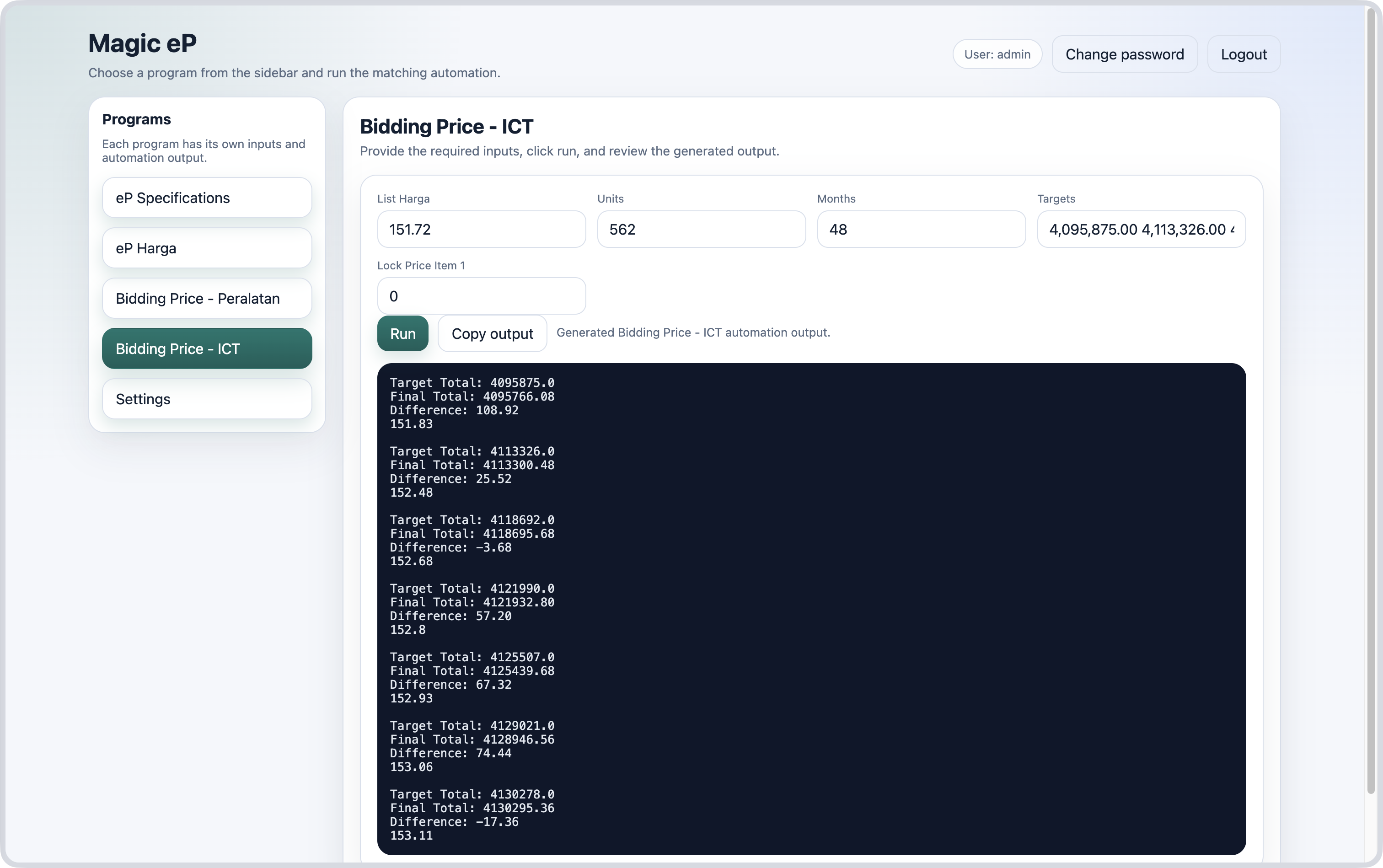
# Bidding Price — ICT

[![Bidding Price - ICT.png](https://lib.dfactoryindex.com/uploads/images/gallery/2026-06/scaled-1680-/bidding-price-ict.png)](https://lib.dfactoryindex.com/uploads/images/gallery/2026-06/bidding-price-ict.png)

How to:

1. Copy one example of items' prices from excel file and paste it in the field `List Harga`
2. Copy the items' units from excel file and paste it in the field `Units`
3. Copy the number of months from excel file and paste it in the field `Months`
4. Copy the bidding companies' target prices and paste it in the field `Targets`
5. Set the first item price for each targets in `Lock Price Item 1`
    - <p class="callout info">If there is only one item, this field will be ignored and the bidding price will be calculated as follows;  
        **Price = Target ÷ (Units × Months)**  
        </p>
6. Click the <span style="background-color: rgb(22, 145, 121); color: rgb(236, 240, 241);">Run</span> button.
7. Copy the output.

---

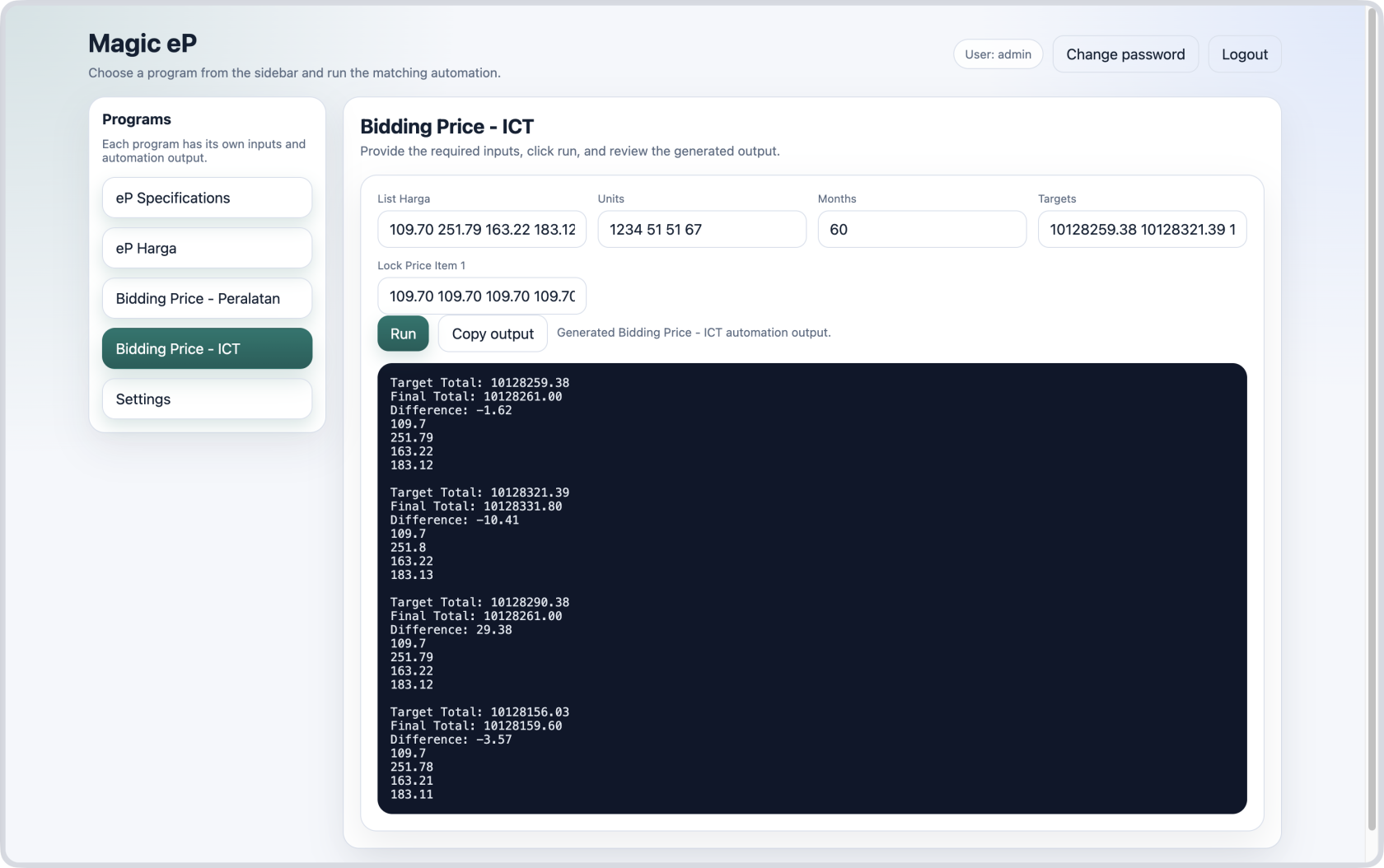
##### Case 1 — Predict prices for multiple items

[![Bidding Price - ICT 2.png](https://lib.dfactoryindex.com/uploads/images/gallery/2026-06/scaled-1680-/bidding-price-ict-2.png)](https://lib.dfactoryindex.com/uploads/images/gallery/2026-06/bidding-price-ict-2.png)
##### Case 2 — Predict price for one item

[![Bidding Price - ICT 3.png](https://lib.dfactoryindex.com/uploads/images/gallery/2026-06/bidding-price-ict-3.png)](https://lib.dfactoryindex.com/uploads/images/gallery/2026-06/bidding-price-ict-2.png)