eP Specifications
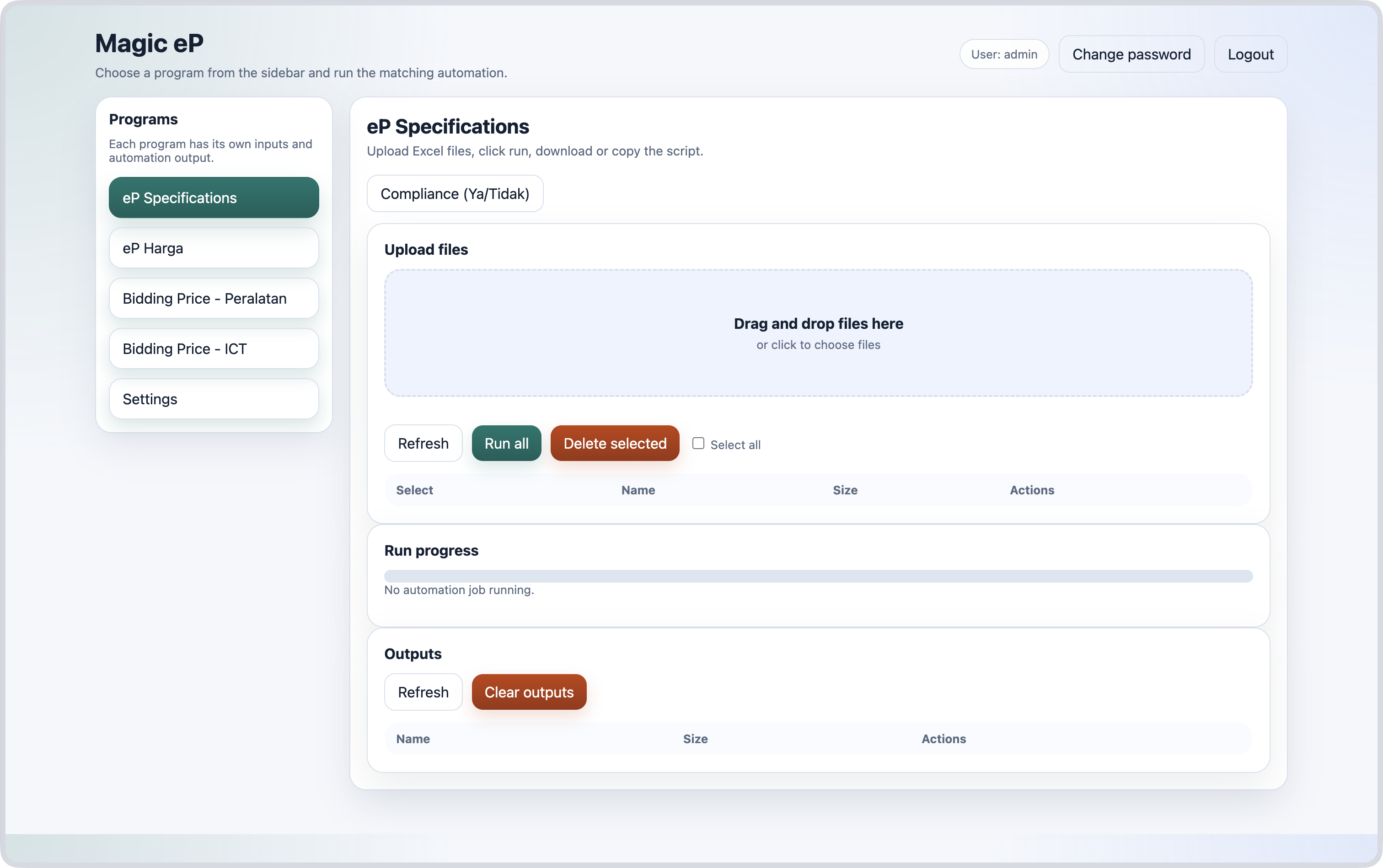
How to:
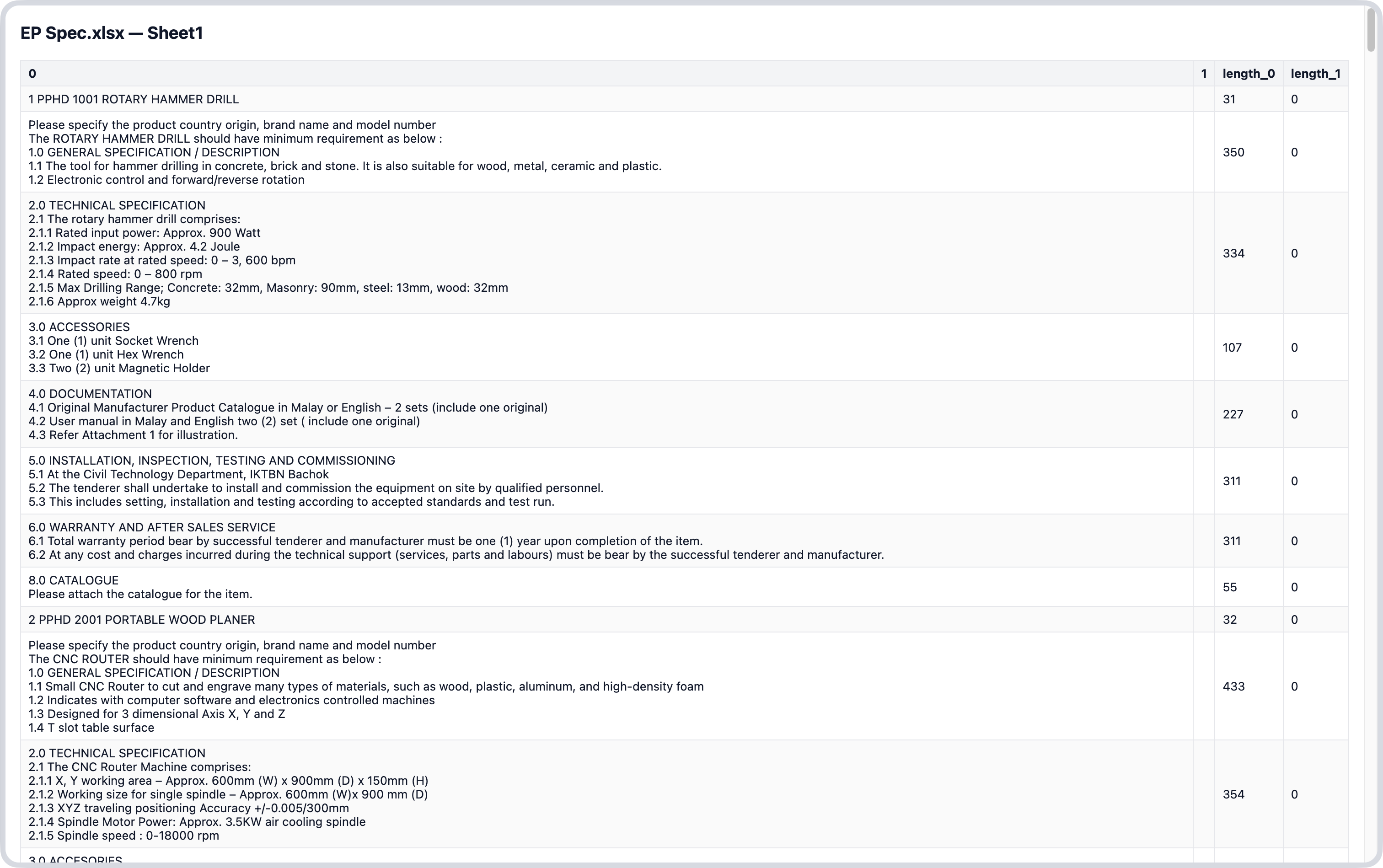
- Upload excel files containing the specifications as extracted from ePerolehan website.
- Click the
Run allbutton or run for individual excel files. - Copy the script that will automatically filled in the details and remarks.
Compliance button to copy the script for Ya/Tidak options.1 - Upload file
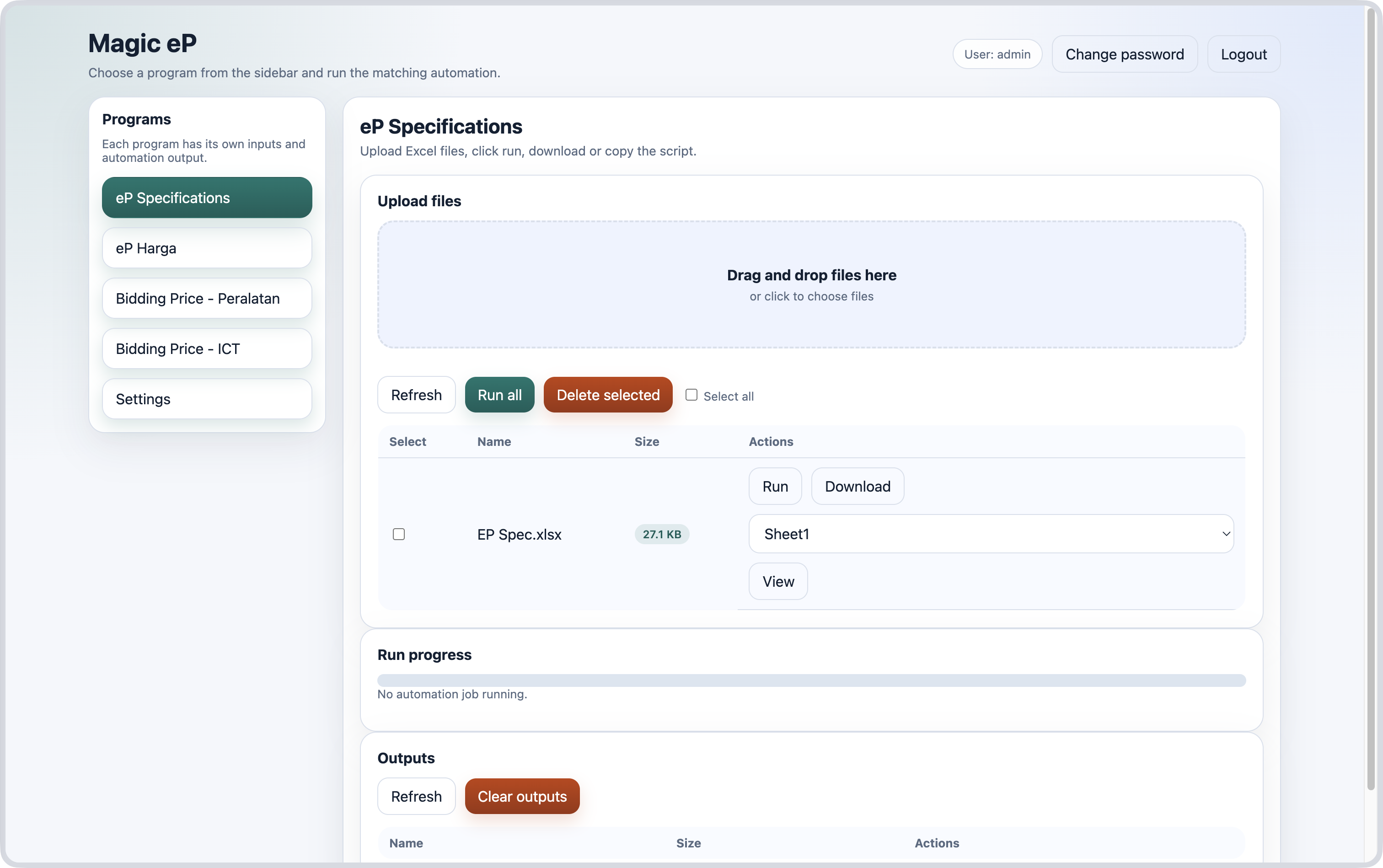
2 - Click Run
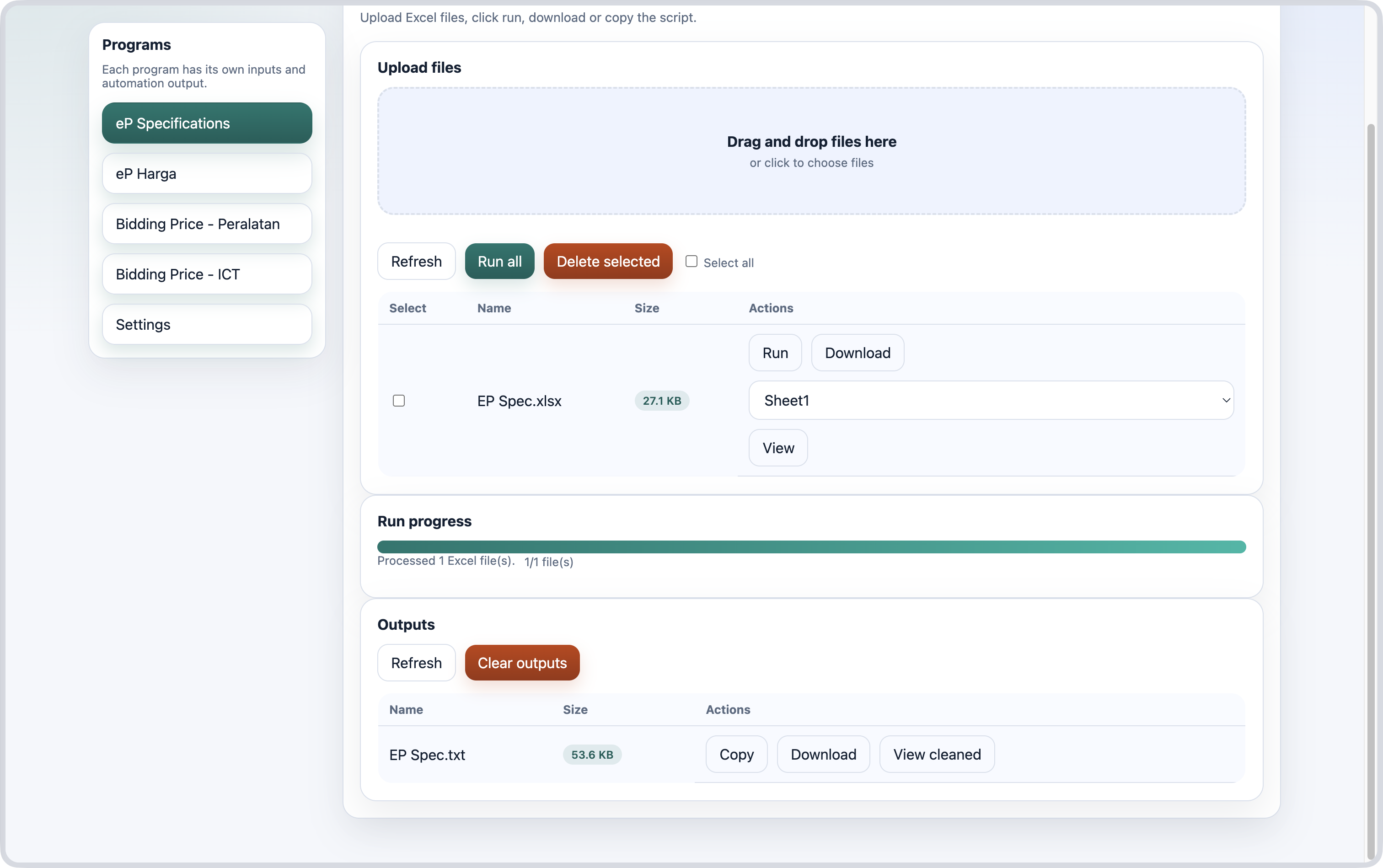
3 - Copy script
Example:
maklumbalas_arr = [`1 PPHD 1001 ROTARY HAMMER DRILL`,
`Please specify the product country origin, brand name and model number
The ROTARY HAMMER DRILL should have minimum requirement as below :
1.0 GENERAL SPECIFICATION / DESCRIPTION
1.1 The tool for hammer drilling in concrete, brick and stone. It is also suitable for wood, metal, ceramic and plastic.
1.2 Electronic control and forward/reverse rotation`,
]

catatan_arr = [``,
]


var textareas = document.querySelectorAll('textarea[id^="_scSupplierProposal_WAR_NGePportlet_:form:j_idt"]');
var id = textareas[0].id.match(/idt(\d+)/)[1];

maklumbalas_arr.forEach((data, i) => {
  var txt = document.getElementById(`_scSupplierProposal_WAR_NGePportlet_:form:j_idt${id}:questionTbl:${i}:answerText`);
  if (txt!=null) {
    txt.value = data;
  }
});

catatan_arr.forEach((data, i) => {
  var remarks = document.getElementById(`_scSupplierProposal_WAR_NGePportlet_:form:j_idt${id}:questionTbl:${i}:answerRemarks`);
  if (remarks!=null) {
    remarks.value = data;
  }
});
4 - Optional Actions (Download, View cleaned)