
Bidding Price — ICT
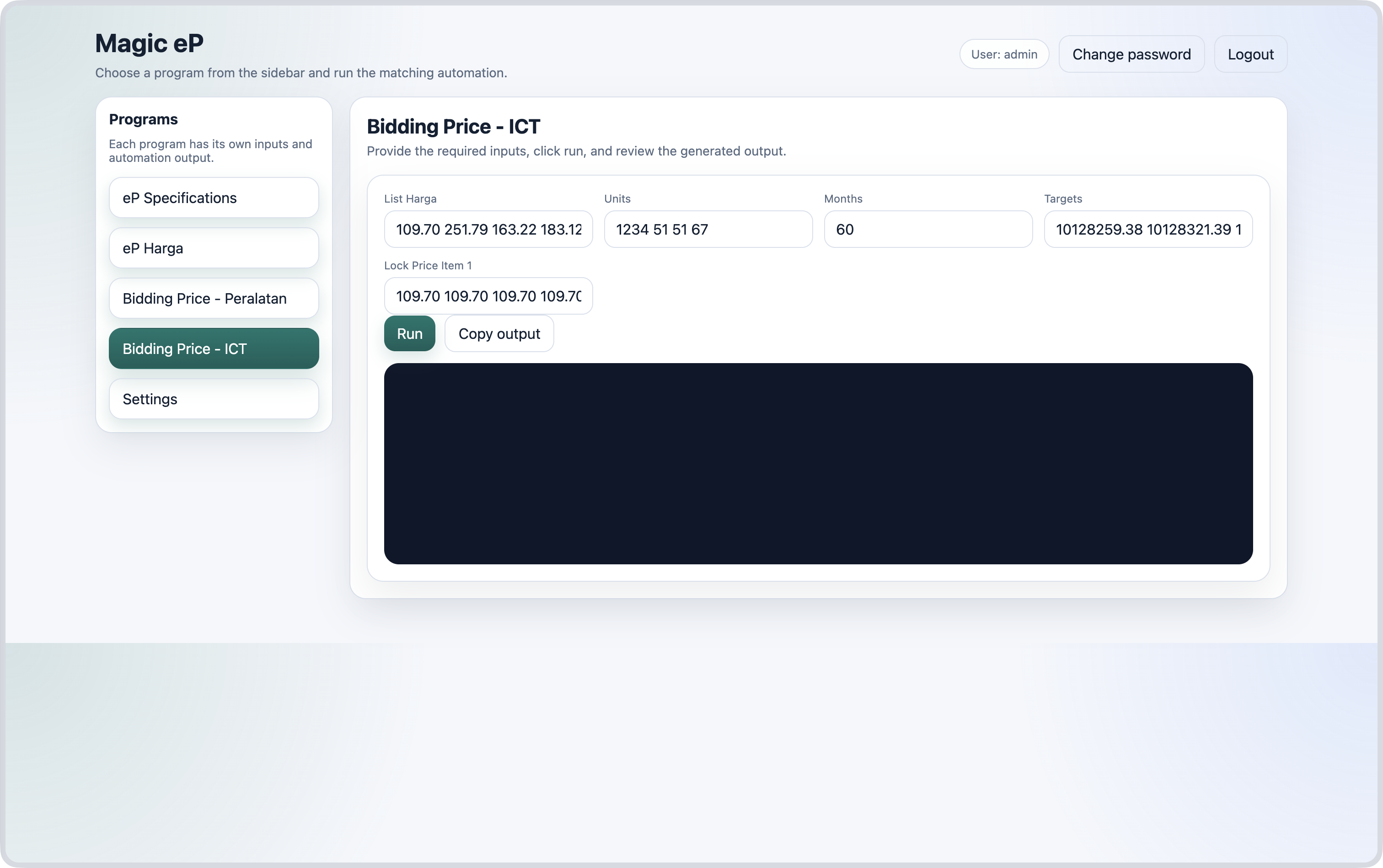
How to:
- Copy one example of items' prices from excel file and paste it in the field
List Harga - Copy the items' units from excel file and paste it in the field
Units - Copy the number of months from excel file and paste it in the field
Months - Copy the bidding companies' target prices and paste it in the field
Targets - Set the first item price for each targets in
Lock Price Item 1-
If there is only one item, this field will be ignored and the bidding price will be calculated as follows;
Price = Target ÷ (Units × Months)
-
- Click the Run button.
- Copy the output.
Case 1 — Predict prices for multiple items
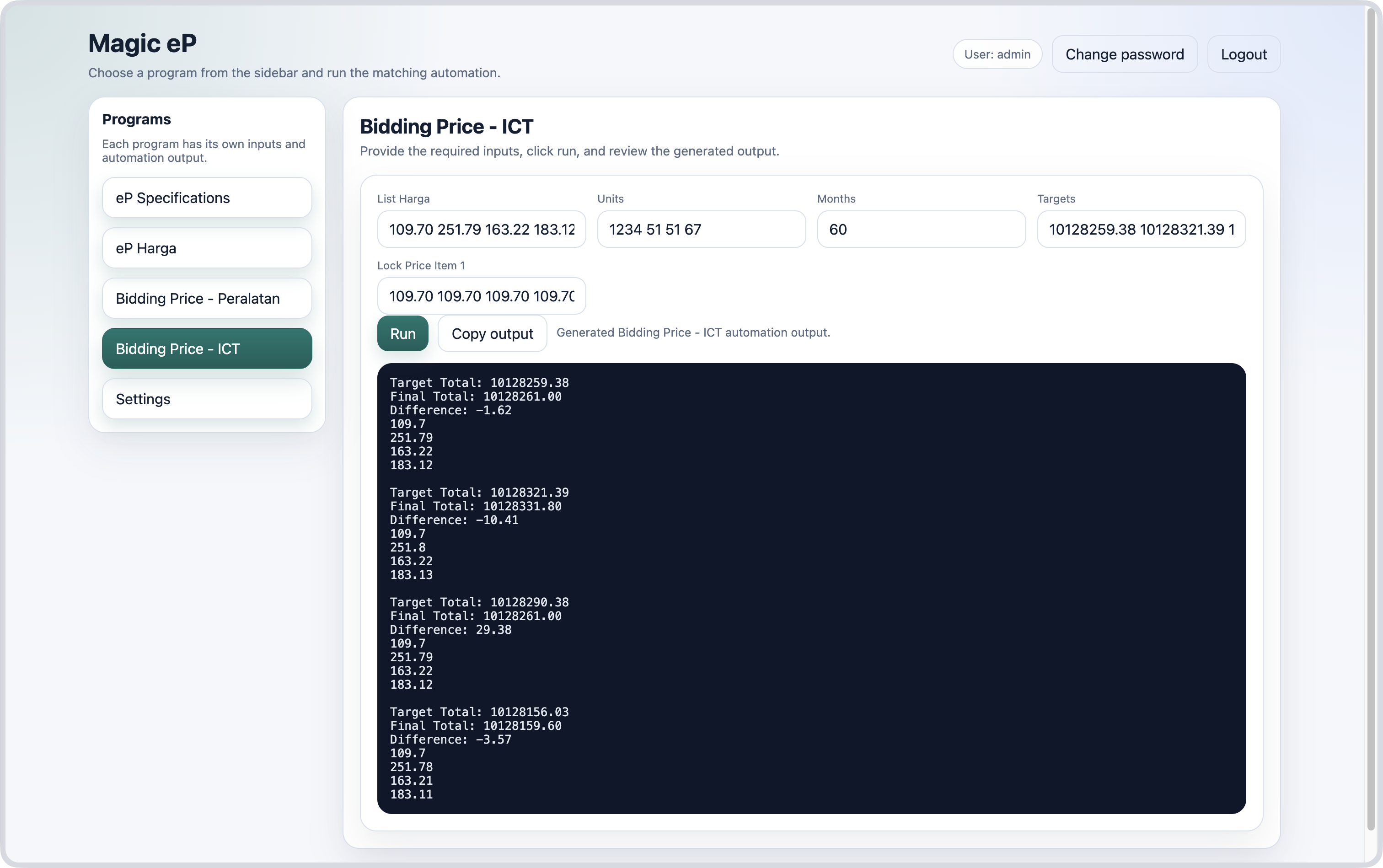
Case 2 — Predict price for one item